THE PRODUCT PHOTO WORKBENCH
Good photos.
Ready for what’s next.
The small image jobs between you and a finished listing. Done in your browser, a whole batch at a time.
Make your photos squareFree to use. No account. Your files stay with you.
FROM MIXED SIZESWITHOUT CROPPING
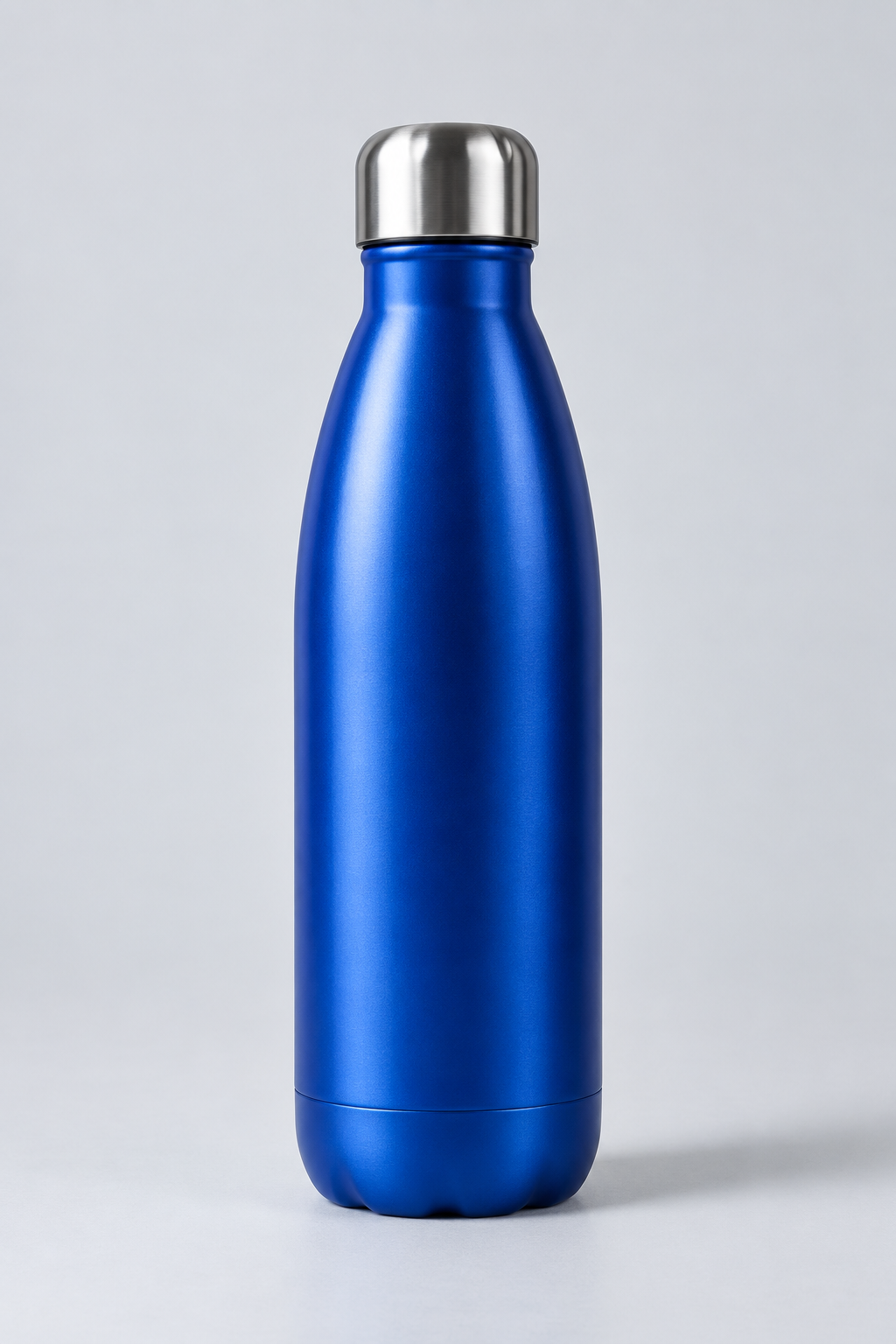 PORTRAIT
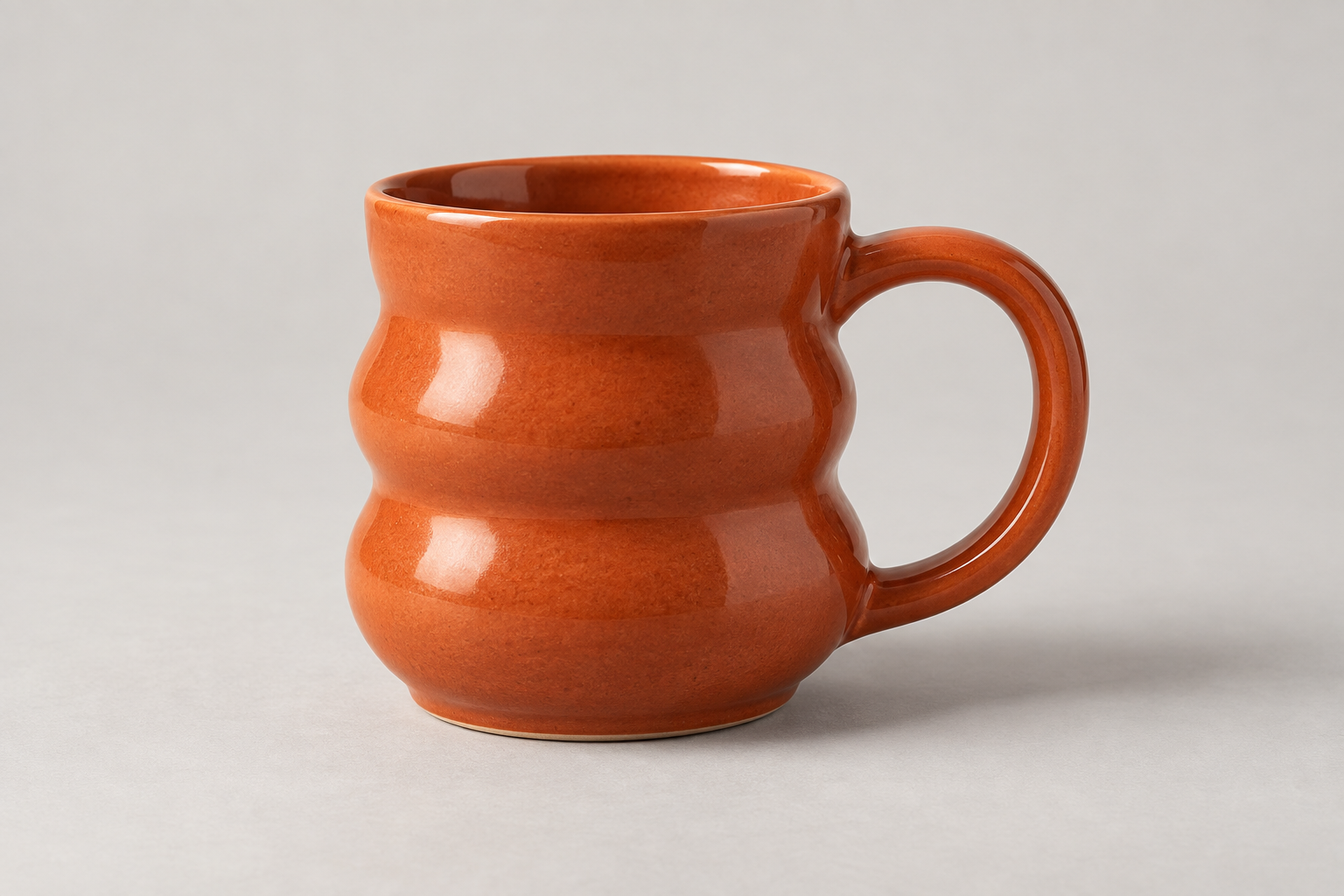 LANDSCAPEPADDED
1:1
Every edge intact.
Every frame consistent.
THE TOOLBOX
One useful job. Done well.
IMAGE TOOLS
Open toolSquare image maker
Add a clean frame around your product photos. Set the size, keep the whole image, and download your batch as a ZIP.
01 / LOCAL
Your files stay yours.
Photos are processed on your device. No upload queue, no stored originals.
02 / FOCUSED
Less to figure out.
A small set of controls, sensible defaults, and a preview before you export.
03 / PRACTICAL
Built for the whole batch.
Give a folder of mixed images the same frame. Get everything back in one ZIP.
Why are my product photos getting cropped?
When to add padding, when to change your theme, and why a larger file isn’t always a sharper image.
Read the guide